

When you're building or redesigning a website in 2026, separating design from search optimization is like trying to bake a cake and adding the flour after it's already in the oven. It just doesn't work. The integration of seo in website design has become absolutely essential for businesses that want to compete online, attract qualified traffic, and convert visitors into customers. Whether you're launching a new site or refreshing an existing one, understanding how design decisions impact your search visibility can mean the difference between getting found by potential clients or remaining invisible in search results.
Why SEO Must Shape Your Design Decisions From Day One
Too many businesses treat SEO as an afterthought, something to sprinkle on top of a finished website like decorative icing. This approach creates significant problems that are expensive and time-consuming to fix later.
When you prioritize seo in website design from the initial planning stages, you're building on a solid foundation. Your site structure becomes intuitive for both users and search engines. Your navigation makes sense. Your content hierarchy supports your business goals while satisfying search intent.
The cost of retrofitting SEO into an existing design includes:
- Restructuring URLs and implementing countless redirects
- Redesigning navigation systems that weren't built for crawlability
- Rebuilding mobile experiences that don't meet modern standards
- Recoding pages to improve load times and Core Web Vitals
- Reorganizing content that wasn't optimized for target keywords
Starting with SEO-informed design decisions saves you from these headaches. More importantly, it gets your site ranking faster and attracting qualified traffic sooner. At Shawn the SEO Geek, we've seen businesses lose months of potential revenue because they had to rebuild poorly designed sites before they could even begin optimizing.
Mobile-First Design Is Non-Negotiable in 2026
Google's mobile-first indexing isn't coming. It's already here, and it's been the primary way search engines evaluate your site for several years now. This means Google predominantly uses the mobile version of your site for indexing and ranking.
Responsive vs. Mobile-First: Understanding the Difference
Responsive design adapts your desktop site to smaller screens. Mobile-first design starts with the mobile experience and builds up. There's a crucial distinction here. Mobile-first forces you to prioritize what truly matters because you're working with limited screen real estate.
When implementing mobile-first approaches to seo in website design, consider these essential elements:
- Touch-friendly navigation with appropriately sized buttons and links
- Simplified menus that don't overwhelm small screens
- Condensed content that delivers value without endless scrolling
- Fast-loading images optimized for mobile connections
- Readable text without requiring zoom or horizontal scrolling
| Mobile Design Element | SEO Impact | User Experience Impact |
|---|---|---|
| Viewport configuration | Ensures proper mobile indexing | Prevents awkward zooming |
| Touch target sizing | Reduces bounce rate signals | Improves navigation ease |
| Mobile page speed | Direct ranking factor | Reduces abandonment |
| Readable font sizes | Affects engagement metrics | Enhances content consumption |
The experts at TechRadar emphasize that choosing a website builder with responsive design capabilities should be a top priority when creating your site.
Site Speed and Core Web Vitals Integration
Page speed has evolved from a nice-to-have to a critical ranking factor. Google's Core Web Vitals measure real-world user experience through specific metrics that directly impact your search visibility.
Your design choices dramatically influence these metrics. Heavy animations might look impressive, but they tank your Largest Contentful Paint (LCP). Aggressive pop-ups and shifting layouts destroy your Cumulative Layout Shift (CLS). Unoptimized JavaScript blocks interaction, hurting your First Input Delay (FID).
Design decisions that support better Core Web Vitals:
- Using modern image formats like WebP and AVIF
- Implementing lazy loading for below-the-fold content
- Minimizing custom fonts or using variable fonts
- Reserving space for dynamic content to prevent layout shifts
- Choosing lightweight frameworks over bloated page builders
- Optimizing and deferring non-critical JavaScript
For businesses in competitive markets like home services or legal firms, where SEO for service-based businesses requires every advantage, these technical optimizations can be the difference between page one and page three.
Information Architecture That Serves Users and Search Engines
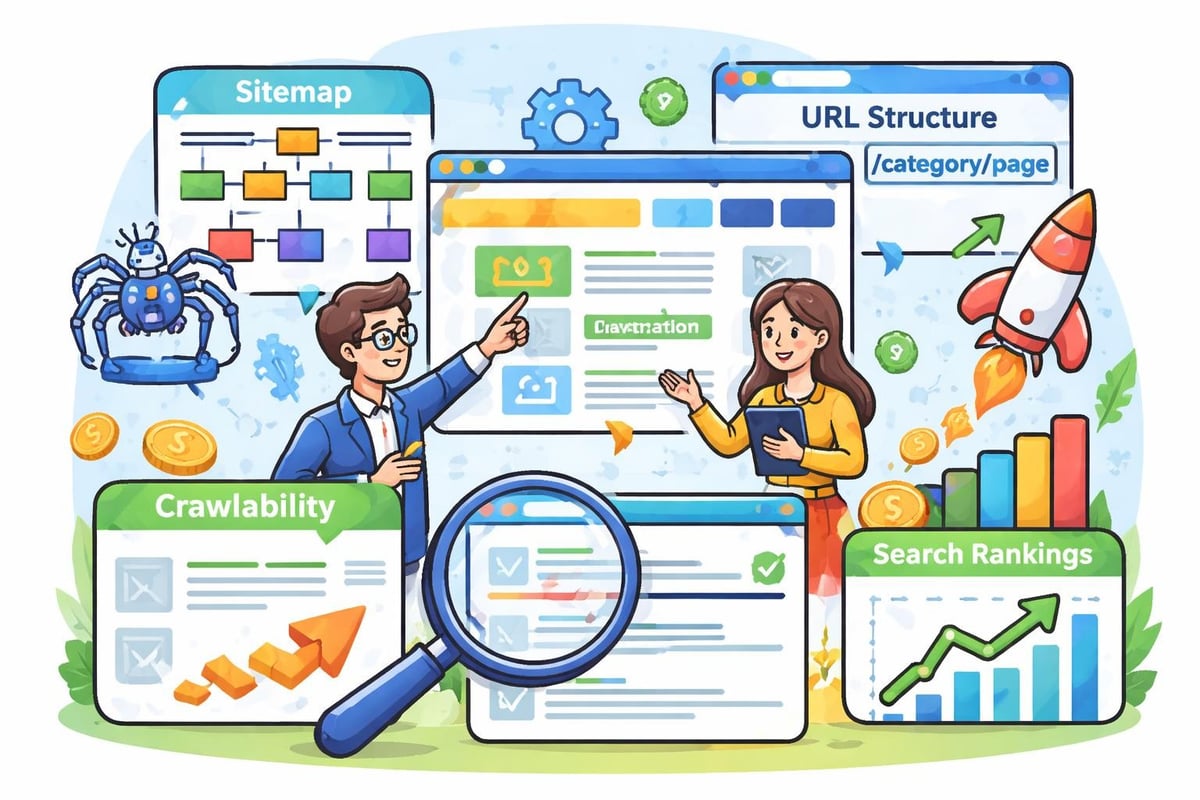
The way you organize your website's content creates the roadmap that search engines follow to understand your business. Strong information architecture makes seo in website design seamless rather than forced.
Creating Logical Hierarchy
Your site should flow from broad topics to specific details in a way that makes intuitive sense. For a home remodeling company, that might mean organizing content like: Services > Kitchen Remodeling > Custom Cabinets. Each level becomes more specific while remaining connected to the parent category.
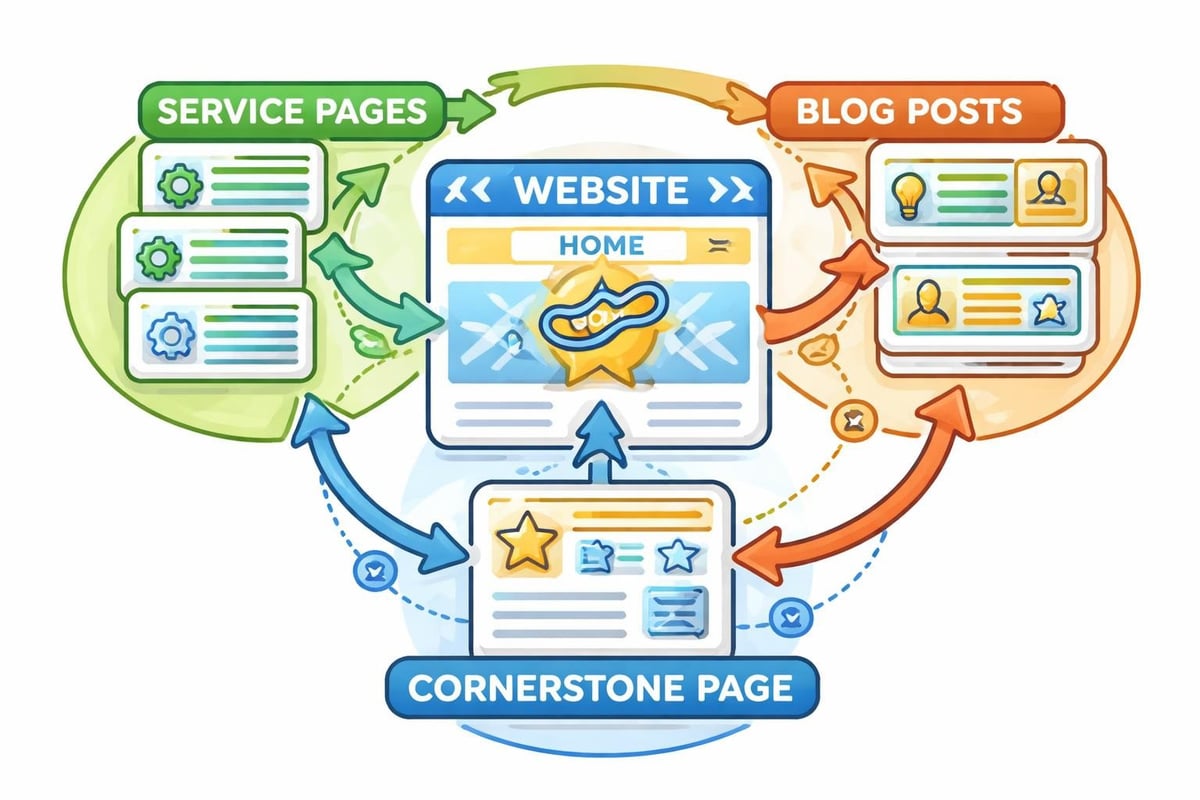
This hierarchical structure accomplishes several SEO objectives simultaneously. It distributes page authority logically throughout your site. It creates natural opportunities for internal linking. It helps search engines understand topical relevance and expertise.
Search engines reward sites that demonstrate clear topical authority. When your architecture supports this through logical grouping and connection of related content, you're building what Google calls "topical authority." This is particularly valuable for businesses competing in crowded markets.
URL Structure and Naming Conventions
Your URLs are more than just web addresses. They're signals to both users and search engines about what they'll find on a page. Clean, descriptive URLs support better rankings and higher click-through rates from search results.
Effective URL structures for SEO follow these principles:
- Keep them short and descriptive
- Use hyphens to separate words, not underscores
- Include target keywords naturally
- Avoid unnecessary parameters and session IDs
- Maintain consistency across your site
Compare these two URLs:
example.com/services/residential-plumbing-repairexample.com/page.php?id=12345&cat=services
The first URL tells you exactly what to expect. It includes relevant keywords. It's memorable and shareable. The second is meaningless to humans and provides no SEO value. Resources like this guide on mastering SEO for your website emphasize that URL structure is one of the foundational elements you need to get right from the start.
Navigation Design That Enhances Crawlability
Search engine crawlers discover your content by following links. If your navigation makes it difficult for crawlers to find important pages, those pages won't rank well, no matter how valuable the content.
The Role of Main Navigation
Your main navigation should feature your most important pages and provide clear paths to all major site sections. This isn't just about user experience, it's about ensuring search engines can easily discover and index your priority content.
Many modern design trends prioritize minimalism, which is generally positive. However, hiding all navigation behind hamburger menus or using JavaScript-dependent mega menus can create crawlability issues if not implemented carefully.
| Navigation Type | Crawlability | SEO Considerations |
|---|---|---|
| Traditional menu bar | Excellent | Ensure HTML links, not JavaScript |
| Mega menu | Good | Make sure it's accessible to crawlers |
| Hamburger menu only | Fair | Include XML sitemap for backup |
| Footer navigation | Good | Supplement main nav, don't replace |
Implementing proper navigation is just one component of comprehensive SEO website audit services that identify technical issues holding your site back from better rankings.
Content Presentation and Readability
How you present your content affects both user engagement and SEO performance. Search engines use behavioral signals like time on page, bounce rate, and scroll depth to evaluate content quality. Poor presentation tanks these metrics even when your actual content is valuable.
Formatting for Scanability
Most website visitors don't read word-for-word. They scan for relevant information. Your design should accommodate this behavior through strategic formatting.
Use heading tags (H2, H3, H4) to create clear content sections. Break up long paragraphs into digestible chunks. Incorporate bullet points and numbered lists. Add relevant images with descriptive alt text. Include data tables when comparing information.
These formatting choices make your content more accessible and engaging. They also provide semantic structure that helps search engines understand your content hierarchy and identify key topics.
Typography considerations for SEO and readability:
- Font size of at least 16px for body text
- Sufficient line height (1.5 or greater)
- Strong contrast between text and background
- Limited use of italics and all-caps
- Strategic use of bold for emphasis
The connection between web design and SEO is explored in depth by WebFX’s comprehensive resource, which highlights how design elements directly influence search performance.
Image Optimization and Visual Content Strategy
Images make your site more engaging and help communicate complex ideas quickly. But improperly optimized images are one of the biggest culprits behind slow-loading websites.
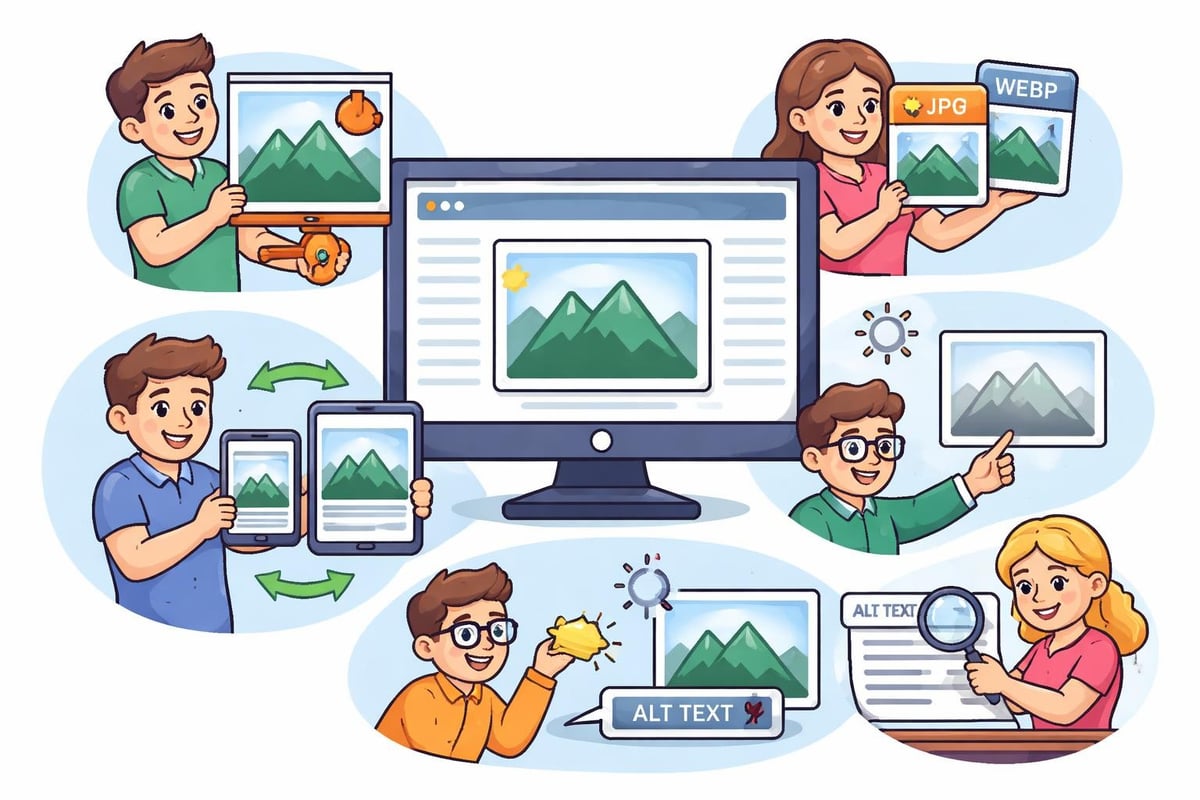
Every image on your site should serve a purpose and be optimized for both user experience and search engine performance. This means compressing file sizes without sacrificing quality, using descriptive filenames, and writing meaningful alt text.
Alt Text Best Practices
Alt text serves multiple purposes in seo in website design. It helps visually impaired users understand your content. It provides context when images fail to load. And it gives search engines information about your images, helping them appear in image search results.
Good alt text is descriptive but concise. It incorporates relevant keywords naturally without keyword stuffing. It describes what the image shows and why it matters in context.
Poor alt text: "image1.jpg" or "keyword keyword keyword"
Good alt text: "Custom kitchen cabinets installed in modern Bucks County home"
Technical SEO Elements in Design Frameworks
The platform or framework you choose for building your website has significant SEO implications. Some platforms make optimization easy with built-in tools and clean code. Others create obstacles that require constant workarounds.
Choosing SEO-Friendly Platforms
Modern website builders have made significant strides in supporting SEO best practices. According to TechRadar’s review of powerful SEO tools, many platforms now include advanced optimization features that were previously only available through custom development.
When evaluating platforms, look for these technical capabilities:
- Clean HTML output without excessive div soup
- Customizable title tags and meta descriptions for every page
- Automatic XML sitemap generation that updates as you add content
- Schema markup support for rich snippets in search results
- 301 redirect management for URL changes
- Canonical URL specification to prevent duplicate content issues
For ecommerce businesses, specialized platforms require specialized approaches. Our Shopify SEO agency services address the unique challenges and opportunities of optimizing online stores.
Schema Markup and Structured Data Integration
Schema markup is code that helps search engines understand your content context and display enhanced results in search. While it doesn't directly improve rankings, it significantly increases click-through rates by making your listings more attractive and informative.
Design systems should make it easy to implement structured data across your site. For local businesses, LocalBusiness schema displays your hours, address, and ratings directly in search results. For service providers, Service schema can highlight specific offerings. For content publishers, Article schema enhances blog post listings.
Common schema types for different business models:
| Business Type | Relevant Schema | Benefits |
|---|---|---|
| Local services | LocalBusiness | Maps integration, ratings display |
| Professional services | ProfessionalService | Service details, area served |
| Legal firms | Attorney, LegalService | Practice areas, credentials |
| Restaurants | Restaurant | Menu, reservations, reviews |
| Events | Event | Dates, tickets, location |
Implementing these structured data elements during the design phase ensures they're properly integrated rather than bolted on later.
Internal Linking Strategy Built Into Design
Internal links are the connective tissue of your website. They distribute authority throughout your site, help users discover related content, and guide search engines to your most important pages.
Your design should facilitate strategic internal linking through related content modules, contextual links within content, and logical navigation paths. Every page should link to and be linked from other relevant pages.
For businesses with extensive content like SEO services for contractors, a well-planned internal linking structure helps search engines understand service relationships and specializations.
Anchor Text Optimization
The clickable text of your internal links (anchor text) provides context about the destination page. Using descriptive anchor text that includes relevant keywords helps both users and search engines understand what they'll find when they click.
Avoid generic anchor text like "click here" or "read more." Instead, use descriptive phrases that naturally incorporate keywords while remaining user-friendly.
Accessibility and SEO: Two Sides of the Same Coin
Web accessibility and SEO share many principles. Both require semantic HTML, descriptive headings, meaningful link text, and alternative text for images. When you design for accessibility, you're often simultaneously improving your SEO.
Many SEO-friendly web design principles emphasize that accessible websites tend to rank better because they provide better user experiences for everyone, including search engine crawlers.
Accessibility features that boost SEO:
- Proper heading hierarchy (H1, H2, H3)
- Descriptive link text instead of "click here"
- Alt text for all meaningful images
- Keyboard navigation support
- Sufficient color contrast
- Clear focus indicators
Form Design and Conversion Optimization
While not directly a ranking factor, form design significantly impacts conversion rates, which affects the overall ROI of your SEO efforts. What's the point of ranking well if visitors don't convert?
Keep forms as simple as possible. Only ask for information you truly need. Use clear labels and helpful error messages. Make submit buttons prominent and descriptive. Test forms on mobile devices to ensure they work smoothly.
For lead generation businesses, optimizing forms is crucial. A comprehensive SEO audit often reveals form abandonment issues that are costing businesses qualified leads.
Security and HTTPS Implementation
HTTPS isn't optional in 2026. Google has confirmed HTTPS as a ranking signal, and browsers now actively warn users about non-secure sites. Beyond SEO, security builds trust with visitors and protects their data.
Implementing HTTPS should be part of your initial site design, not an afterthought. Work with your hosting provider to install SSL certificates and ensure all resources load securely to avoid mixed content warnings.
Local SEO Considerations in Design
For businesses serving specific geographic areas, local SEO elements should be integrated into your site design. This includes prominently displaying your NAP (Name, Address, Phone) information, creating location-specific pages for multi-location businesses, and embedding Google Maps.
Location information should be consistent across your site and match exactly what appears in your Google Business Profile and other directories. Even small discrepancies can confuse search engines and hurt local rankings.
Businesses focusing on geographic markets should explore local SEO management strategies that align design elements with local search optimization.
Content Management and SEO Workflow
Your design should make it easy for content creators to follow SEO best practices. This means providing clear fields for meta descriptions, making heading tags accessible and logical, and allowing easy image optimization.
A good CMS integrated into your design workflow includes:
- SEO-focused content templates
- Automated optimization recommendations
- Easy-to-use internal linking tools
- Preview functionality for meta descriptions and titles
- Image compression and resizing tools
When everyone who touches your website can easily optimize their content, maintaining strong SEO becomes sustainable rather than dependent on specialized expertise.
Measuring and Iterating Design Performance
Seo in website design isn't a one-time project. It requires ongoing measurement and refinement based on actual performance data. Your design should facilitate easy implementation of analytics tracking and conversion monitoring.
Set up goal tracking for key conversions. Monitor page speed regularly. Track keyword rankings for target pages. Analyze user behavior through heatmaps and session recordings. Use this data to identify design elements that work and those that need improvement.
According to Higher Visibility’s guide on web design and SEO, successful sites continuously evolve based on performance data rather than relying on initial design decisions alone.
Future-Proofing Your Design for Algorithm Updates
Search algorithms constantly evolve, but core principles remain consistent. Google wants to reward sites that provide excellent user experiences and valuable content. Design with these principles in mind rather than chasing specific ranking factors, and your site will remain resilient through algorithm updates.
Focus on fundamental UX principles: fast loading, mobile-friendly, easy navigation, valuable content, and clear calls to action. These won't become obsolete when Google releases its next update.
Building flexibility into your design framework also helps. Choose systems that allow easy updates without complete rebuilds. This agility becomes crucial when new optimization opportunities emerge or algorithm changes require adjustments.
Resources like StrategyDriven’s insights on staying ahead in web design emphasize that adaptability is key to long-term SEO success.
The relationship between design and SEO isn't optional anymore; it's fundamental to digital success. Every design decision you make either supports or hinders your ability to attract qualified traffic and convert visitors into customers. With over two decades of experience and 500+ successful campaigns, Shawn the SEO Geek specializes in creating websites that are both visually compelling and optimized for search performance. Whether you're building from scratch or redesigning an existing site, our team ensures that seo in website design is integrated from the ground up, giving your business the competitive advantage it needs to thrive online.